


G2 WiFi Gateway for Smart Locks – Remote App Control Hub
G2 WiFi Gateway for Smart Locks – Remote App Control Hub is backordered and will ship as soon as it is back in stock.
Couldn't load pickup availability
PRODUCT STORY
PRODUCT STORY
AUSLOCK G2 Gateway
Take control of your compatible AUSLOCK smart lock from anywhere with the AUSLOCK G2 Gateway. This compact Wi-Fi gateway connects your lock system to the AUSLOCK app, allowing you to manage access remotely using your smartphone wherever you have an internet connection.
Designed for simple setup, the G2 Gateway plugs directly into a power outlet using an adaptor and pairs with your compatible AUSLOCK smart lock for convenient remote access and monitoring.
With the AUSLOCK app, you can manage entry using supported access methods such as keypad, fingerprint, PIN code, and eKey permissions. It is an ideal solution for homes, rentals, offices, and properties where remote management and live notifications are important.
With the AUSLOCK G2 Gateway you can:
- Remotely lock or unlock your compatible AUSLOCK smart door lock
- Send access to family, staff, guests, or visitors
- View entry activity and access records
- Create admin access across multiple devices
- Set access by date or time from anywhere
- Receive smartphone notifications when your door is opened
The AUSLOCK G2 Gateway is a practical upgrade for users who want greater control, convenience, and visibility over their smart lock system without ongoing monthly fees.
SHIPPING
SHIPPING
Dispatch is usually arranged on the same day or by the next business day.
Standard delivery generally arrives within 3 to 7 business days.
Express delivery usually arrives within 1 to 3 business days.
Free shipping does not apply to orders below $99.
DESIGNED FOR THE AUSTRALIAN MARKET
DESIGNED FOR THE AUSTRALIAN MARKET
Australian owned and operated
Built to suit Australian homes and commercial spaces
Shipped locally from Australia
Click & collect available from our store
MANUAL & DOWNLOADS
MANUAL & DOWNLOADS

G2 WiFi Gateway for Smart Locks – Remote App Control Hub
Payment & Security
All payments are handled through secure processing systems. AUSLOCK does not keep your credit card details on file and cannot access your full card information.

AUSLOCK Supporting Community Safety Through Its Partnership with Crime Stoppers
AUSLOCK is proud to support community safety through its strategic partnership with Crime Stoppers. This collaboration brings together AUSLOCK’s advanced security and access solutions with Crime Stoppers’ long-standing crime prevention efforts across Australia.
By aligning innovative lock technology with trusted public safety initiatives, AUSLOCK is helping support safer homes, stronger businesses, and greater peace of mind for communities nationwide.

← Swipe to explore functions


Access Control & Developer Integrations
← Swipe to explore more-

AUSLOCK App
Native Lock Management · Bluetooth / Optional Gateway
Manage compatible smart locks using the supported mobile app. Issue digital keys, configure access PINs, manage authorised users and review available access records. Add a compatible gateway for supported remote management functions.
-

Seam API
Developer Integration · Compatible TTLock Devices
Integrate TTLock-enabled devices into custom software through Seam's unified API. Build automated access workflows, issue temporary credentials and connect supported locks with property management or business applications.
-

TTHotel
Dedicated Hotel Management Platform · Compatible Hotel Locks
Simplify hotel access management through TTHotel. Issue guest access cards, manage room entry permissions, administer staff access and coordinate supported hotel locking hardware from a central management system.
-

TTRenting
Dedicated Rental Management Platform · Compatible Devices
Manage smart access for apartments, rental buildings and long-term accommodation. Assign tenant credentials, control staff permissions, monitor supported access activity and streamline multi-property operations through TTRenting.


Smart Home & Automation Integrations
← Swipe to explore more-

Google Home
Official Integration · Wi-Fi Gateway Required
Control compatible AUSLOCK smart locks using Google Assistant. Lock, unlock and manage supported functions through voice commands and the Google Home ecosystem. Requires a compatible gateway and account linking.
-

Amazon Alexa
Official Integration · Wi-Fi Gateway Required
Enjoy hands-free door control with Amazon Alexa. Lock or unlock compatible doors using voice commands, check lock status and simplify everyday access. Unlocking requires an additional voice security code.
-

Apple Home / HomeKit
Third-Party Integration · Additional Setup Required
Connect selected TTLock-based devices to Apple Home through compatible third-party bridges such as Homebridge or Home Assistant. Native Apple HomeKit support is not included, and operation depends on the integration setup.
-

Control4
Dedicated AUSLOCK Driver · Professional Installation
Integrate compatible AUSLOCK smart locks directly into Control4 using the dedicated Chowmain AUSLOCK driver. Control door locking and unlocking through Control4 interfaces and incorporate compatible locks into customised home automation scenes.
-

Home Assistant
Community Integration · Technical Setup Required
Integrate compatible TTLock-based smart locks with Home Assistant using community-developed software. Manage locking functions, monitor supported lock information and create personalised automation routines through your smart home dashboard.


Holiday Rental & Property Management Integrations
← Swipe to explore more-

Guesty
Direct Platform Integration · Guesty Locks Manager
Automatically generate unique guest entry codes for confirmed reservations. Synchronise access with check-in and checkout schedules, manage connected locks remotely and streamline holiday rental operations through Guesty Locks Manager.
-

Hospitable
Direct TTLock Integration · Eligible Subscription Required
Automate guest access with reservation-based PIN codes. Connect compatible TTLock smart locks to Hospitable to simplify self-check-in, reduce manual code management and improve the guest experience.
-

BookingAutomation
Direct TTLock Integration · Booking Synchronisation
Connect compatible TTLock devices with BookingAutomation to automatically generate scheduled guest PIN codes, synchronise booking details and support self-check-in workflows. Remote updates require an online lock connection.
-

Vrbo
Indirect Integration · Compatible PMS Required
Streamline Vrbo guest access through a supported channel manager or property management platform. Coordinate temporary access credentials with reservation dates and simplify property management for holiday rental operators.
-

Uplisting
Direct TTLock Integration · Smart Locks Feature
Automatically create unique door access codes for each reservation. Manage guest entry permissions, monitor supported lock information and connect smart lock operations with your Uplisting booking calendar.
-

Hostaway
Third-Party Integration · Via Chekin
Connect TTLock-enabled devices with Hostaway workflows through Chekin. Coordinate guest access with reservation information and simplify self-check-in across short-stay accommodation properties.
-

RemoteLock
Direct TTLock Integration · Access Management Platform
Manage compatible TTLock devices through RemoteLock's centralised dashboard. Automate guest credentials, coordinate access schedules, review supported activity information and control multiple properties from one platform.
-

Booking.com
Indirect Integration · Compatible PMS Required
Connect Booking.com reservation workflows to supported property management software for automated guest entry. Generate time-sensitive PIN codes and simplify contactless check-in across compatible AUSLOCK installations.
-

Airbnb
Indirect Integration · Compatible PMS Required
Automate Airbnb guest entry using compatible systems such as Guesty, Hospitable or Uplisting. Generate reservation-specific door codes, coordinate check-in access and reduce the need for physical key handovers.


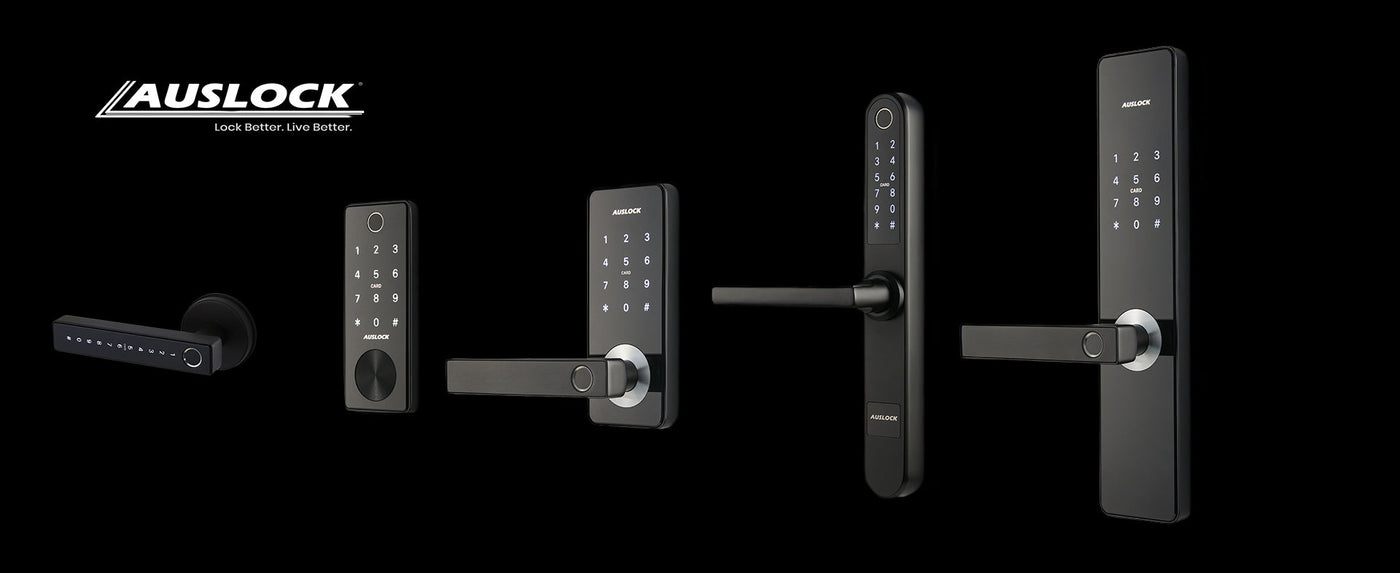
Where can this smart lock be installed?
-

Airbnb, Co-Living & Rental Properties
Make short-stay properties safer and easier to manage with reliable keyless entry.
-

Residential Homes
Bring smarter everyday access to your home with a secure locking solution built for convenience, safety, and modern living.
-

Commercial
Improve entry control across commercial sites with dependable keyless access for staff, visitors, and day-to-day operations.
-

Work Spaces
Create a more efficient workplace with smart access that removes the hassle of traditional keys and supports flexible entry management.
-

Healthcare, Hospitality & Service Businesses
Support safer and smoother access across clinics, restaurants, and service-based businesses with practical smart entry control.
-

Multi-Use & Other Properties
Suitable for a wide range of property types requiring simple, secure, and flexible access management.


Access and manage your smart door locks anytime, from wherever you are.
-
Fingerprint Management
-
WiFi Access From Any Place
-
Create/Share Pin Code Remotely
-
Pin Code Management
-
eKey Management
-
Create/Share eKey Remotely
-
Time Attendance
-
Bluetooth connectivity
-
Add/Delete Cards


FAQs
Does the property need Wi-Fi for the gateway to operate?
Does the property need Wi-Fi for the gateway to operate?
Yes. The gateway must connect to the property’s Wi-Fi network and also pair with the compatible smart lock.
Where should the gateway be installed?
Where should the gateway be installed?
The gateway includes a USB-C cable and should be connected to a suitable power adaptor, then plugged into a nearby power outlet. Power adaptor not included.
How close does the gateway need to be to the smart lock and router?
How close does the gateway need to be to the smart lock and router?
For best performance, the gateway should be installed within approximately 20 metres of the lock and the Wi-Fi router, ideally with minimal obstruction.
Is the gateway covered by warranty?
Is the gateway covered by warranty?
Yes. The gateway is supplied with a 1-year warranty. Please refer to our warranty information page for full details.
